How MeteoGate Changes Cross-Border Weather-Data Access
A European weather map can hide how much work goes into getting observations across borders. The station belongs to a national network, the data may pass through a shared service, and the map may apply its own conversions and checks. Those steps matter when you want to trace a surprising reading back to its source.
MeteoGate provides shared discovery and access to participating meteorological and hydrological datasets. National publishers retain ownership and control. Climate Explorer’s EuroMeteo application uses the European surface-observation service within that wider system; it does not display everything in the MeteoGate catalogue.
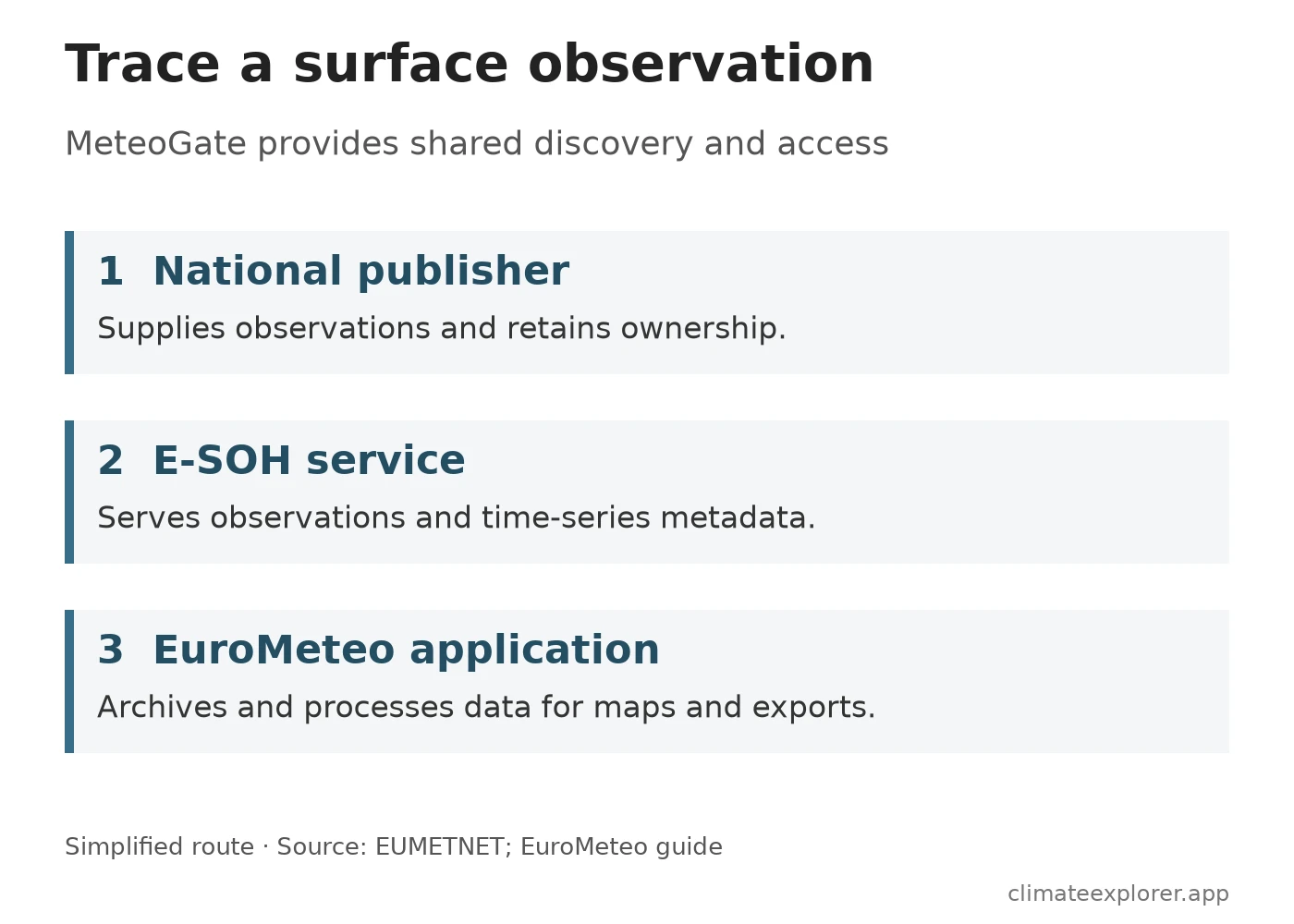
Start with the publisher
EUMETNET’s MeteoGate documentation describes a common access framework. Its architecture includes a data explorer, API gateways and data-supply components that can be operated centrally or by national services.
A shared catalogue therefore does not imply that all the files sit in one database. It helps a reader find a dataset and its access route. The publisher, licence, available variables and time coverage still belong in the dataset record you use.
Authentication also depends on the route. The architecture documents gateway keys and policy-based access controls. Follow the instructions for the selected service instead of assuming that every endpoint needs a key, or that every request is anonymous. EUMETNET’s discovery and access guide explains the consumer workflow.
E-SOH separates measurements from their descriptions
The European surface-observation hub, E-SOH, provides the observation layer used here. Its official documentation identifies four components: an ingestion API, a datastore, an Environmental Data Retrieval (EDR) API and a Records API.
The last two serve different needs. The EDR interface retrieves observations; the Records interface supplies time-series metadata. A temperature number is more useful when you can also establish its station identifier, unit, timestamp and measurement definition. Keep those descriptions with the measurements when you build a comparison.
The documentation describes a 24-hour observation store. That is a service design detail, not a promise of a long historical archive. Applications that retain observations can offer a different time window. Readers should check which store a chart or export actually uses.
What EuroMeteo adds
EuroMeteo gives these observations a map, plots and an export workflow. Climate Explorer maintains an archive and applies parameter mapping, unit conversions, selection among related observation variants and additional plausibility checks. The EuroMeteo guide describes these transformations and the current selection limits.
This makes the distinction between source and export important. A field may have been converted, selected from several variants or rejected by a check. Some dew-point values can be derived from temperature and humidity. A blank cell is not evidence that a station measured zero, and an exported value should not automatically be described as an untouched provider record.
For a published analysis, record the selected station, parameter, date range and export settings. Use the upstream service when you need the original observation or its provider metadata. Use the application guide to establish what happened between that record and the plotted value.
Why a gap on the map needs investigation
Suppose a station appears for temperature but disappears when you select rainfall. That alone does not establish an outage. The selected variable may be unavailable in the feed, absent during the chosen period or excluded by a processing rule.
A useful check is to keep the station identifier fixed, inspect the selected period, then compare the available parameters and their timestamps. If the application and upstream record disagree, check units and processing before treating the difference as a sensor fault. Report the identifier, variable and time with any correction request so that the record can be traced.
A common interface reduces the work of finding and retrieving data. Cross-border analysis still depends on what each station measures and when it reports. For the legal access requirements, see EU open data and weather archives; for national archives beyond this observation feed, use the portal directory.
Data Annex
This is an explanation of the documented data path, not an analysis of current weather or a measurement of service uptime.
| Layer | What to retain for a traceable result |
|---|---|
| Original publisher | Provider name, dataset identity and licence |
| E-SOH service | Station and time-series identifiers, variable definition and observation timestamp |
| MeteoGate access | Dataset record and the documented service route used |
| EuroMeteo | Selected period and parameters, export settings and processing description |
The diagram simplifies one surface-observation route. It does not map every MeteoGate component, establish national coverage or show a uniform quality-control process across publishers.
Service Architecture and Interface Specifications
| Component | Primary role | Interface type | Output and temporal scope |
|---|---|---|---|
| Ingestion API | Data intake from national publishers | REST / MQTT push | Raw observational messages |
| Datastore | Operational buffer | Time-series store | Rolling 24-hour observation cache |
| EDR API | Measurement retrieval | OGC Environmental Data Retrieval | Point and areal observation queries |
| Records API | Time-series descriptions | OGC Records / Metadata API | Station identifiers, units, and parameter definitions |
Data Sources
- MeteoGate overview: shared framework and publisher responsibilities.
- MeteoGate technical architecture: shared and distributed components, gateway and access policies.
- MeteoGate discovery and access guide: consumer workflow.
- EUMETNET E-SOH: get started: service components, observation store and metadata interface.
- Climate Explorer’s EuroMeteo guide: application processing, export behaviour and selection limits.